



Bingo Games – Quick Reference Guide
Teacher Quick Start (3 Steps)
1. Setup (2 minutes)
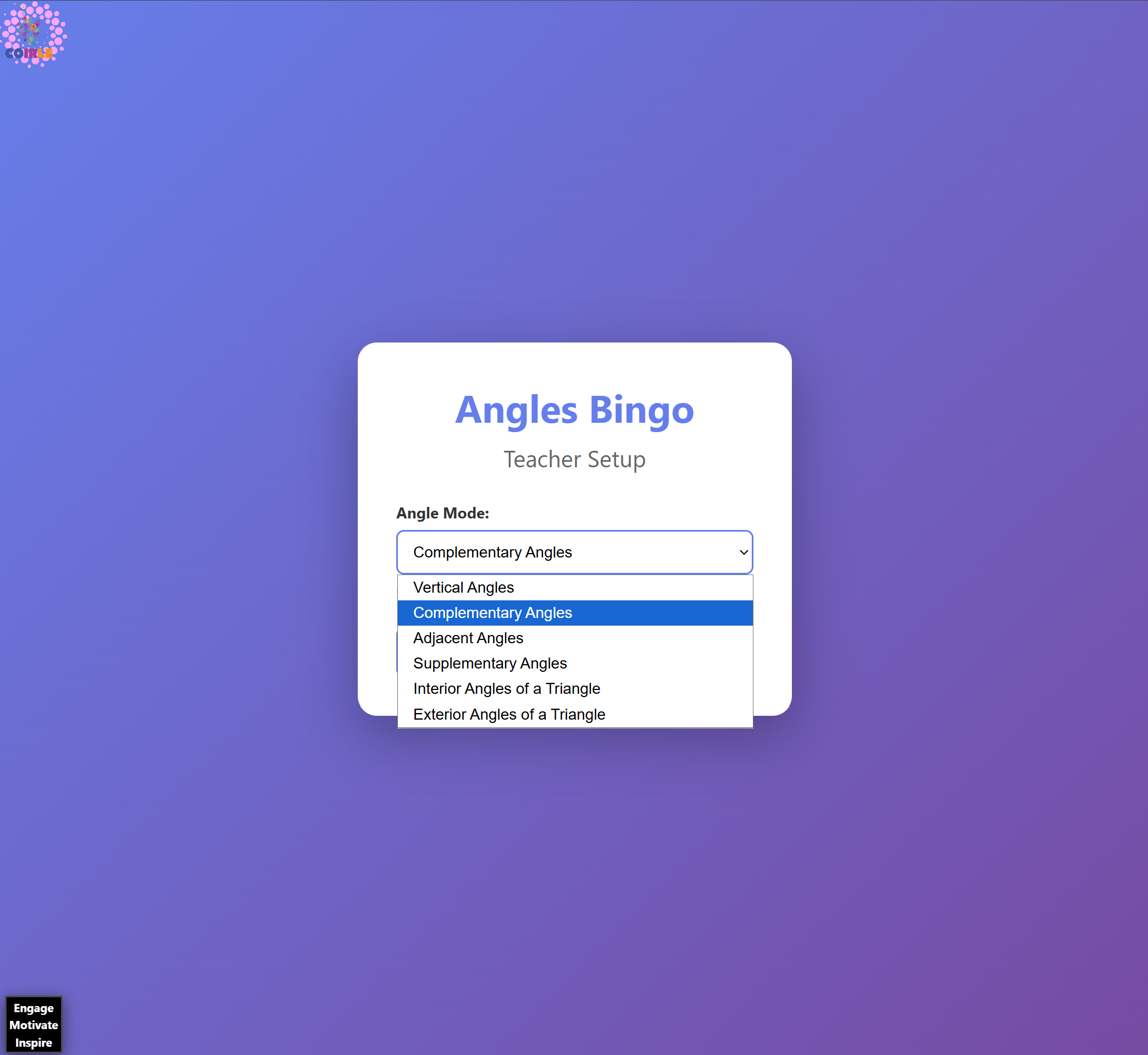
– Open the teacher page for your chosen bingo game
– Select game settings (angle types, time intervals, coins, etc.)
– Click **”Create Game”** → Get your 5-character game code
2. Student Join
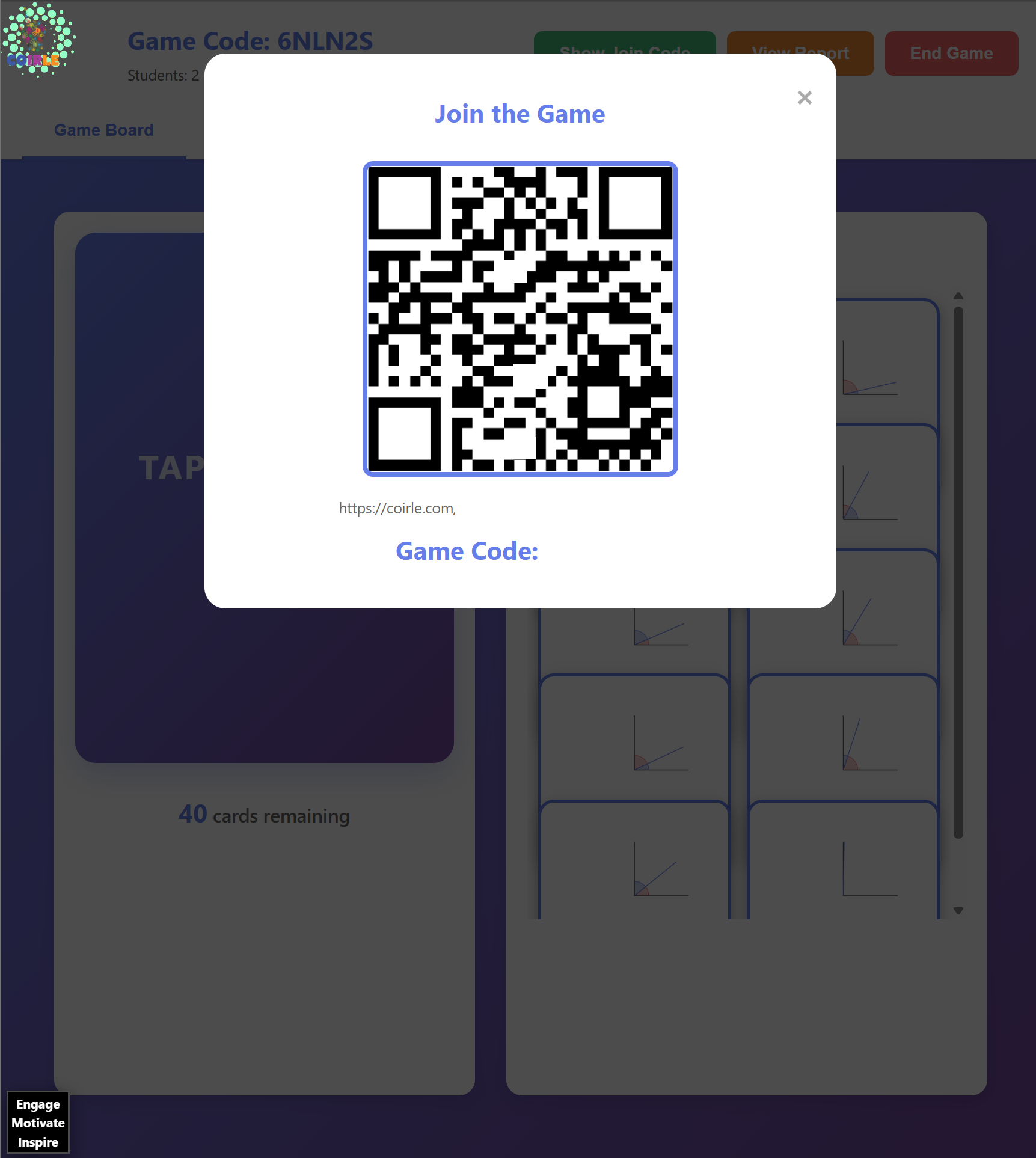
– Display the game code or click **”Show Join Code”** for QR code
– Students go to: `coirle.com/games/studentbingo/?code=XXXXX`
– Wait for all students to join (watch the student counter)
3. Play
– Click **”Start Game”**
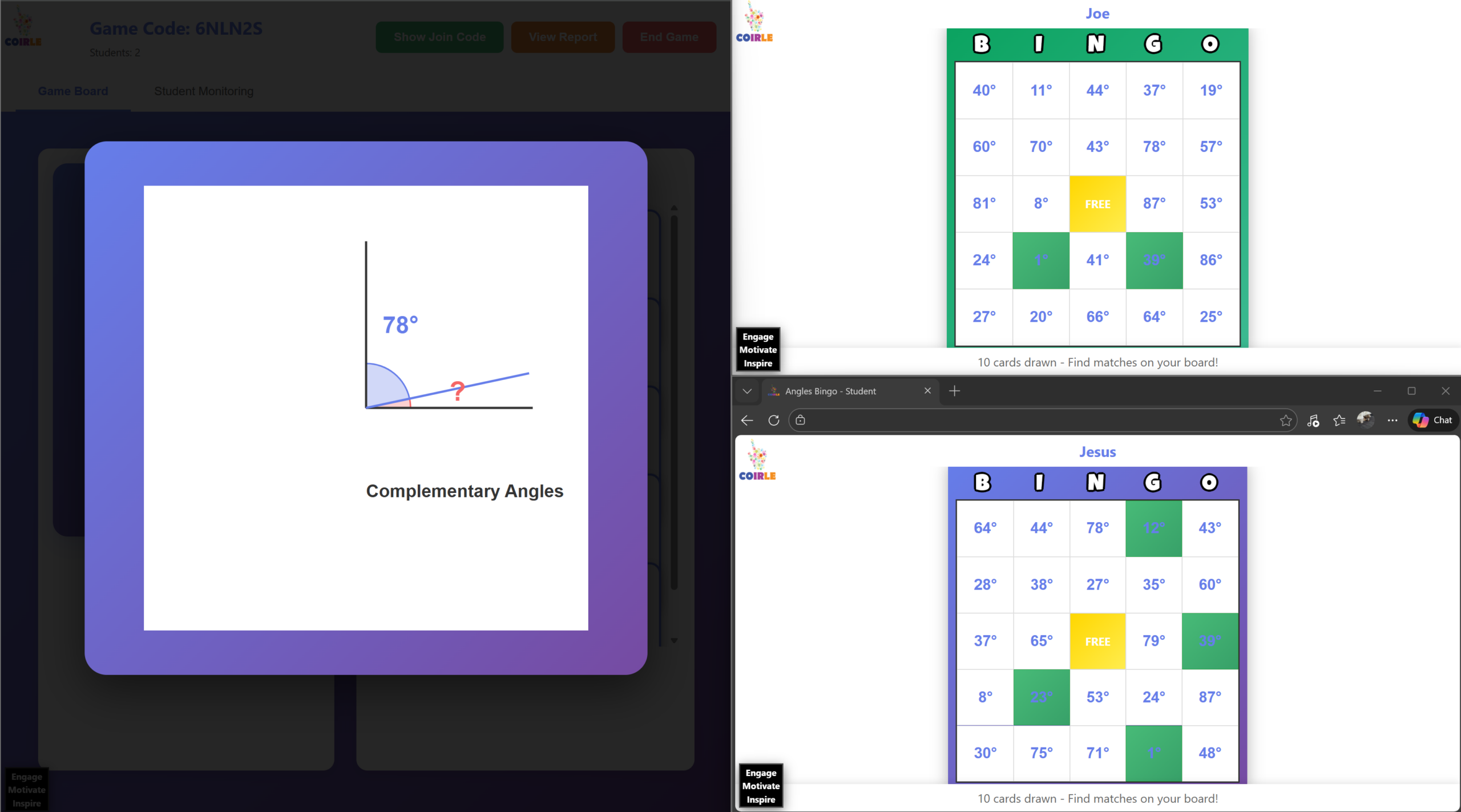
– Click **”TAP TO DRAW CARD”** to reveal each problem
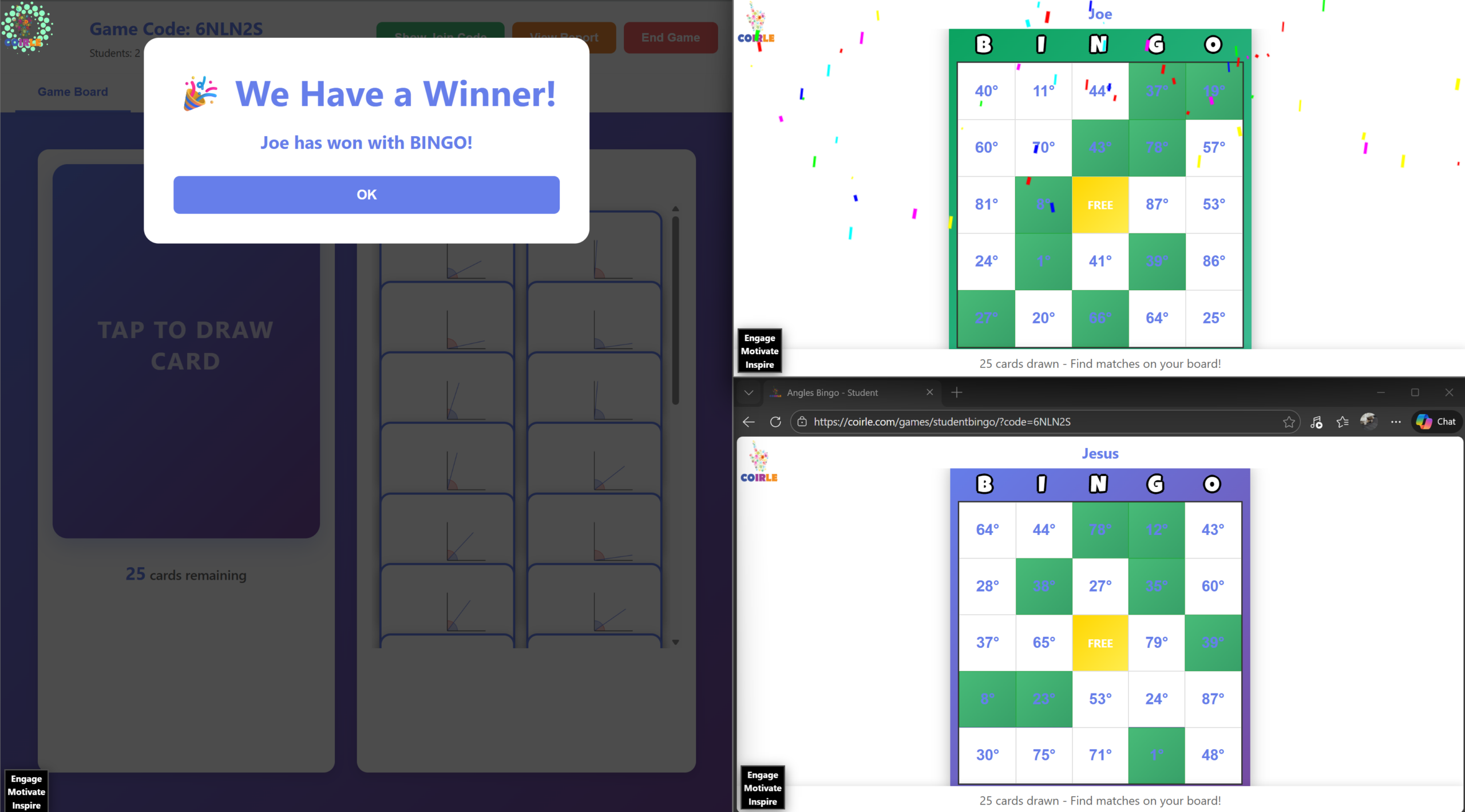
– Winner notification appears automatically when a student gets BINGO
Teacher Controls at a Glance
| Button | What It Does |
|——–|————-|
| **Show Join Code** | Display QR code and join URL |
| **Start Game** | Begin drawing cards |
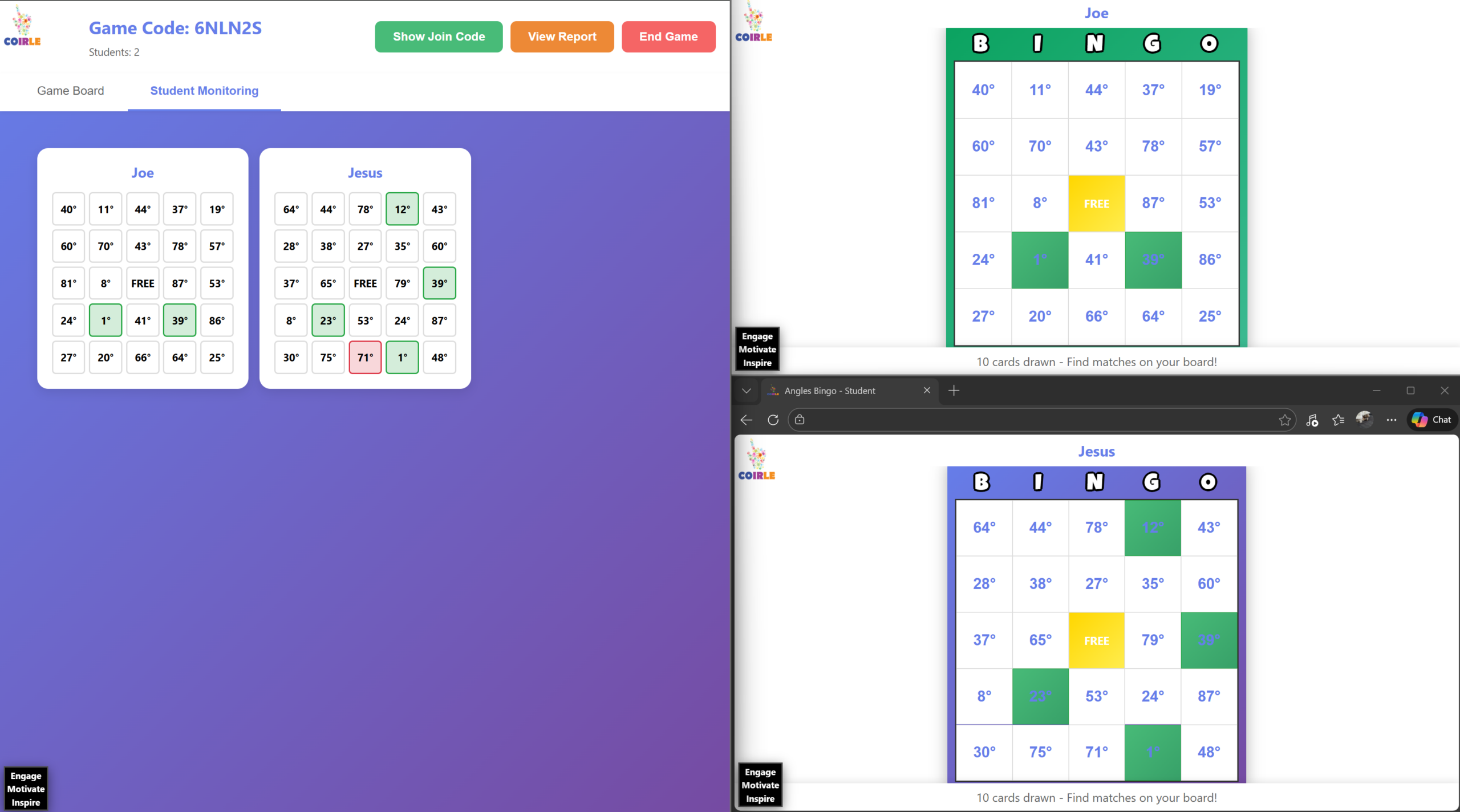
| **Game Board** tab | View drawn cards |
| **Student Monitoring** tab | See all student boards in real-time |
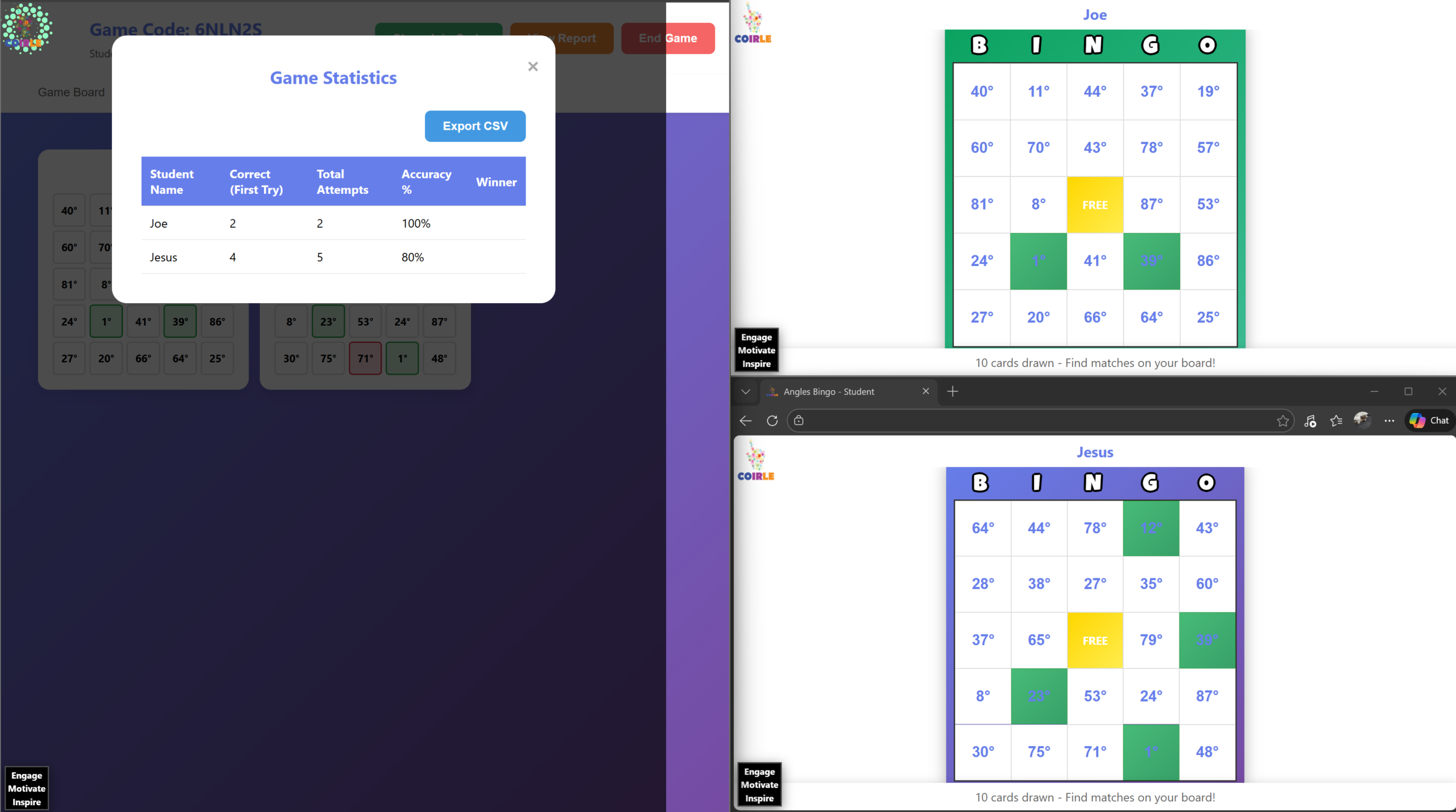
| **View Report** | See statistics and accuracy data |
| **Export CSV** | Download game data |
| **End Game** | Stop current game manually |
| **Start New Game** | Begin fresh game after ending |
Student Quick Start (3 Steps)
1. Join
– Get game code from teacher
– Go to `coirle.com/games/studentbingo/?code=XXXXX`
– Enter your name and click **”Join Game”**
2. Play
– Watch teacher’s screen for each drawn card
– Solve the problem in your head
– Click/tap the matching square on your board
3. Win
– Get 5 in a row (horizontal, vertical, or diagonal)
– ✅ Green = Correct answer
– ❌ Red flash = Wrong answer, try another square
Available Games
– **Angles Bingo** – Angle relationships
– **Time Bingo** – Reading analog clocks
– **Money Bingo** – Counting and calculating with money
– **Base Ten Bingo** – Place value and base-ten blocks
– **Multiplication Bingo** – Multiplication facts
– **One Variable Inequalities Bingo** – Solving inequalities